
Family Dollar Western Union: How to Use It and What to Expect
Table of Contents
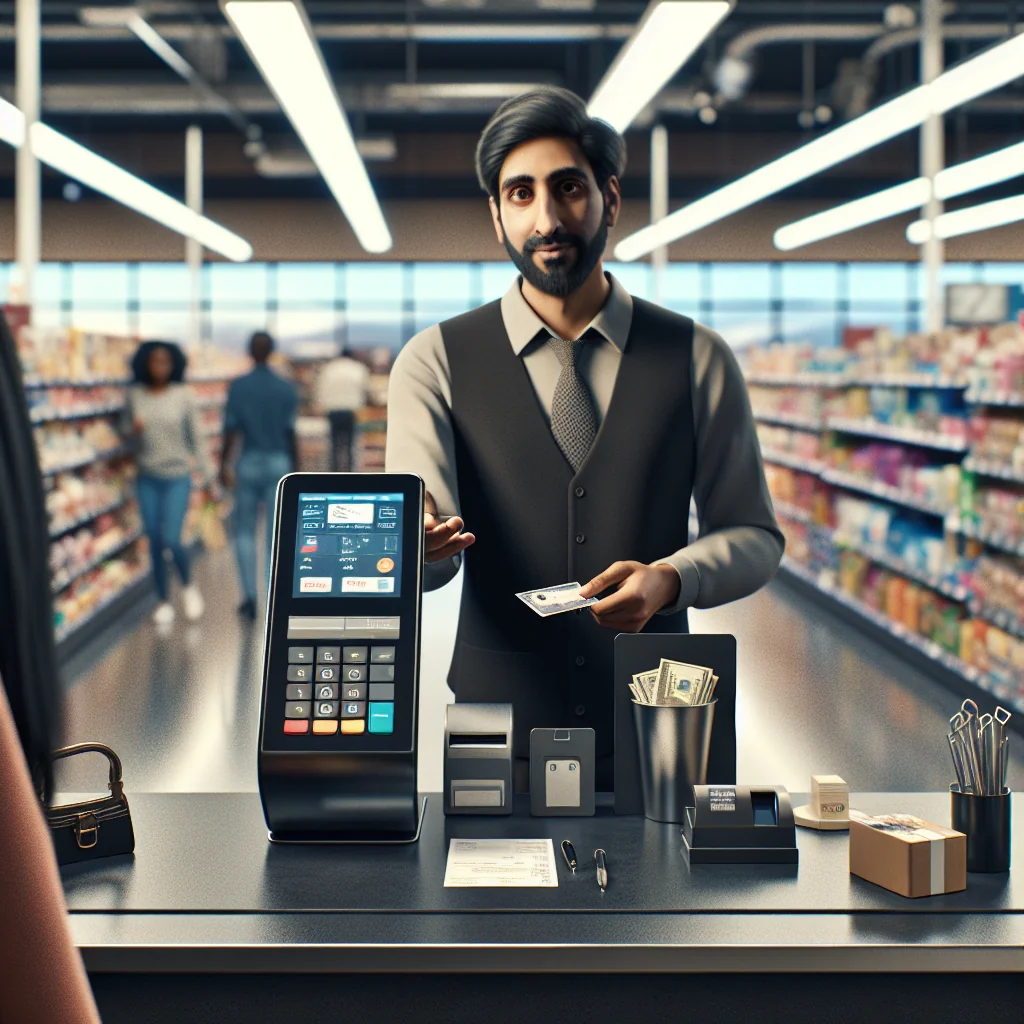
Many shoppers search for “family dollar western union” because they want a simple way to send or receive money while running errands. Family Dollar stores in many areas host Western Union services, so you can handle money transfers in the same place you buy everyday items. This guide explains how the service works, what you should bring, and how to avoid common problems and delays.
How Family Dollar Western Union Services Work
Family Dollar partners with Western Union so customers can send and sometimes receive money at the service counter. The service runs through Western Union’s system, but the transaction starts with a Family Dollar cashier. You pay in-store, and Western Union moves the money through its network to the receiver.
Service options are not identical at every store. Some Family Dollar locations offer both send and receive services, while others offer send-only. The most reliable way to confirm is to check Western Union’s store locator or call your local Family Dollar before you go, especially if you plan to pick up cash.
Family Dollar Western Union services usually follow store hours, but some locations may stop transfers before closing. Staff need time to close the system and count cash, so late-night transfers may not be possible everywhere. Plan ahead if you expect to send or receive money near closing time.
Basic Rules You Should Expect at the Counter
Western Union rules apply even inside Family Dollar. The cashier must follow ID checks, limits, and security steps set by Western Union. This can include asking extra questions or requesting more details for higher amounts or unusual patterns.
What You Can Do at Family Dollar With Western Union
At a typical Family Dollar that offers Western Union, you can complete several basic money tasks. These services focus on speed and convenience rather than advanced banking features, which makes them useful for many everyday needs.
- Send cash domestically to another city or state
- Send money to many countries worldwide
- Receive cash transfers (if that location supports payouts)
- Pay for transfers in cash and sometimes with debit (varies by store)
Each service depends on Western Union’s network and rules. Family Dollar is the access point, but Western Union controls delivery options, payout locations, and many limits and checks. The cashier can see the options on the terminal and explain what is possible for your transfer.
Typical Uses for Family Dollar Western Union
People often use Family Dollar Western Union to send emergency help to relatives, cover rent or bills in another city, or support family in another country. The cash-based setup is useful for customers who prefer not to use bank accounts or cards for these payments.
Step-by-Step: How to Send Money From Family Dollar via Western Union
Sending money through Family Dollar Western Union is usually quick if you come prepared. Follow these steps for a smoother visit and fewer delays at the register, especially during busy times.
- Confirm the store offers Western Union. Use Western Union’s website or app to search “Family Dollar” near your ZIP code, or call the store to ask about send and receive options.
- Gather your information. You need the receiver’s full name as on their ID, their city and state or country, and how they will pick up the money (cash pickup or account, if available).
- Bring valid identification. For sending, many locations require a government-issued photo ID, such as a driver’s license or passport. Some small transfers may have lighter checks, but you should always carry ID.
- Go to the service counter. Tell the cashier you want to send money with Western Union. They will open the Western Union terminal and start your transaction.
- Share the transfer details. Provide your name, address, phone number, and the receiver’s details. Confirm the destination country, amount, and payout method before the cashier submits the form.
- Review fees and total cost. The cashier will show or tell you the transfer fee and the total you must pay, including any taxes or charges.
- Pay for the transfer. Pay with cash or another accepted method at that store. Keep your receipt, which includes the Money Transfer Control Number (MTCN).
- Share the MTCN with the receiver. Give the receiver the MTCN, the exact send amount, and your name. They need this to pick up the money in most cases.
- Track the transfer. Use Western Union’s website or app to check status with the MTCN. You can confirm when the money becomes available.
If the cashier seems unsure, stay patient. Some staff use Western Union only a few times a shift, so walking through the steps together can help avoid mistakes and reduce the chance of a corrected transfer later.
Review your receipt before you leave the counter so any errors can be fixed on the spot instead of requiring a return trip or a support call later.
Extra Tips for Faster Sending
Write the receiver’s information on paper or in your phone before you arrive. Having the spelling and address ready helps the cashier enter details faster and reduces the risk of errors that can delay payout for the receiver.
Receiving Money at Family Dollar Western Union Locations
Not every Family Dollar offers Western Union payouts, so check first. If your local store can pay out transfers, picking up cash is usually simple but requires correct documents and details. Arrive early if you expect a long line or if you need the funds by a certain time.
You must show a valid government ID and give the MTCN, sender’s name, and expected amount. The name on the transfer must match your ID closely. If there is a spelling error, the sender may need to correct it before you can receive the funds.
Some transfers may require extra security questions or a test question, depending on the sender’s choices and the country rules. Answer these exactly as the sender set them up. If you are unsure, contact the sender before you go to the store.
What Happens If the Store Lacks Enough Cash
In some cases, a store may not have enough cash on hand to pay a large transfer. The cashier might ask you to return later, visit another Western Union agent, or receive a smaller amount first. This is about cash levels at that store, not about your right to the transfer.
Fees, Exchange Rates, and Limits at Family Dollar Western Union
Using Western Union inside Family Dollar does not remove Western Union fees. You pay similar transfer fees to other Western Union agents, and Western Union sets those charges, not Family Dollar. The cashier cannot change fees at the register.
For international transfers, Western Union also sets the exchange rate. The rate includes a margin, so the receiver may get less foreign currency than a mid-market rate suggests. You can see an estimate on Western Union’s site or app before you go to the store, which helps you compare options.
Western Union and Family Dollar may limit how much you can send or receive in one transfer or per day. Larger amounts may require extra ID checks or may not be allowed at some locations. The system may also block transfers that match certain risk patterns.
Quick Comparison of Key Limits and Factors
This summary highlights common factors that affect Family Dollar Western Union transfers and what they usually depend on.
| Factor | Who Controls It | What It Affects |
|---|---|---|
| Transfer fees | Western Union | How much extra you pay on top of the send amount |
| Exchange rate | Western Union | How much foreign currency the receiver gets |
| Send/receive limits | Western Union and Family Dollar | Maximum amount per transfer or per day at that store |
| Store hours | Family Dollar | When you can start a transfer or pick up cash |
| Payment methods | Family Dollar | Whether you can pay in cash only or also with debit |
Because these factors can change over time and by store, you should always confirm fees, rates, and limits at the counter or through Western Union tools before sending large amounts or planning time-sensitive transfers.
What to Bring for a Smooth Family Dollar Western Union Visit
A little preparation can save time and reduce the risk of a declined transfer. Before you leave home, check you have everything needed for your transaction and that the information you carry is accurate and easy to read.
At minimum, you should bring:
- A government-issued photo ID that has not expired
- Enough cash to cover the send amount plus fees
- The receiver’s full legal name as shown on their ID
- The receiver’s city, state or province, and country
- Your own address and phone number written down or saved
If you have access to a smartphone, taking a screenshot of the details helps avoid spelling mistakes. For repeat transfers to the same person, keep a note in your phone or a small notebook so you do not need to ask for the same details again each time.
Blueprint: Planning Your Visit Step by Step
Use this simple blueprint as a checklist before you head to Family Dollar for a Western Union transfer. It helps you avoid missing details and cuts down on time spent at the counter.
First, confirm the store offers the service and that the hours fit your schedule. Next, write down all receiver details, your own contact information, and the exact amount you plan to send or receive. Then, gather your ID, payment method, and phone. Finally, allow extra time in case there is a line, a system delay, or the cashier needs to call for support with the Western Union terminal.
Common Problems With Family Dollar Western Union and How to Avoid Them
Most transfers go through without trouble, but some issues show up often. Understanding these problems can help you plan and reduce stress at the counter, especially if you send money often or for urgent needs.
A frequent issue is name mismatches. If the receiver’s name on the transfer does not match their ID, Western Union may block payout until the sender corrects the name. Always double-check spelling, middle names, and order of names before you pay, and have the receiver send you a photo of their ID if possible.
Another problem is hitting limits or security flags on larger amounts. If Western Union’s system flags a transfer, the cashier may not see the full reason and can only tell you that the transfer was declined. In that case, you may need to contact Western Union directly or use a different method, such as a bank transfer or another money transfer company.
Practical Ways to Reduce Transfer Problems
Try to send moderate amounts rather than very large single transfers when possible, and keep your contact details updated with Western Union. Answer any security questions clearly and calmly. If you send to the same person often, keep a record of past transfers so you can show patterns if support staff ask for more details.
Family Dollar Western Union vs. Other Transfer Options
Family Dollar Western Union is strong on convenience and cash-based transfers. However, it is not always the cheapest or fastest method for every situation. Comparing it to other options can help you choose the right tool for each payment.
Bank transfers can be cheaper for account-to-account payments, but banks may be slower and less accessible for people without accounts. App-based services often have lower fees or better rates, but they require both sender and receiver to have accounts and internet access, which is not always possible.
If your priority is sending cash quickly from a nearby store, Family Dollar Western Union is often a good fit. If your priority is low cost for large amounts, you may want to compare total fees and exchange rates with other services before deciding. The best choice depends on how fast the receiver needs the money and how they plan to use it.
When Family Dollar Western Union Makes the Most Sense
This service works best for people who use cash, need nearby access, and value speed over small savings on fees. It is also helpful when the receiver prefers cash pickup instead of using a bank account or digital wallet.
Safety, Scams, and Responsible Use of Western Union at Family Dollar
Western Union transfers are fast and often final. Once the receiver picks up the money, reversing the transfer is usually impossible. Because of this, scammers often ask victims to pay through money transfers, including Western Union.
Never send money to someone you do not know personally or to a stranger who contacted you online or by phone. Be very careful with offers that sound too good, like prize winnings that require a “fee” paid by Western Union, tech support asking for payment via transfer, or urgent requests from a “friend” that sound unusual.
If something feels wrong, stop and ask questions. You can speak with Western Union customer support or a trusted friend before sending. Using Family Dollar Western Union wisely means treating every transfer as final and protecting your money from pressure and tricks.
Simple Safety Habits for Every Transfer
Before you send, ask yourself whether you would hand this person the same cash in person. If the answer is no, pause the transfer. Keep your MTCN private and share it only with the intended receiver, and never post it online or send it through public channels.
Conclusion: Using Family Dollar Western Union With Confidence
Family Dollar Western Union services give many people an easy way to send and receive money while shopping. The partnership focuses on local access, simple cash transfers, and wide reach through Western Union’s network, which can be a helpful mix for many families.
Before you go, confirm that your chosen Family Dollar offers Western Union, check whether you can both send and receive, and gather your ID and receiver details. Understand that fees, exchange rates, and limits come from Western Union, not the store, and that transfers are usually final once paid out.
Used with care and awareness of scams, Family Dollar Western Union can be a practical tool for supporting family, paying urgent bills, or helping someone in another city or country without needing a bank account. Plan each visit with the blueprint in this guide so you can move money with more confidence and fewer problems.